
Virtual Home Staging for Listing-Ready ResultsRendered to Win
Turn one room photo into photoreal staging. Render, refine specific masked areas, upscale quality, and generate short video clips in minutes.
Commercial use included

Four AI modes, one workflow
From first draft to marketing-ready output in a single workspace.
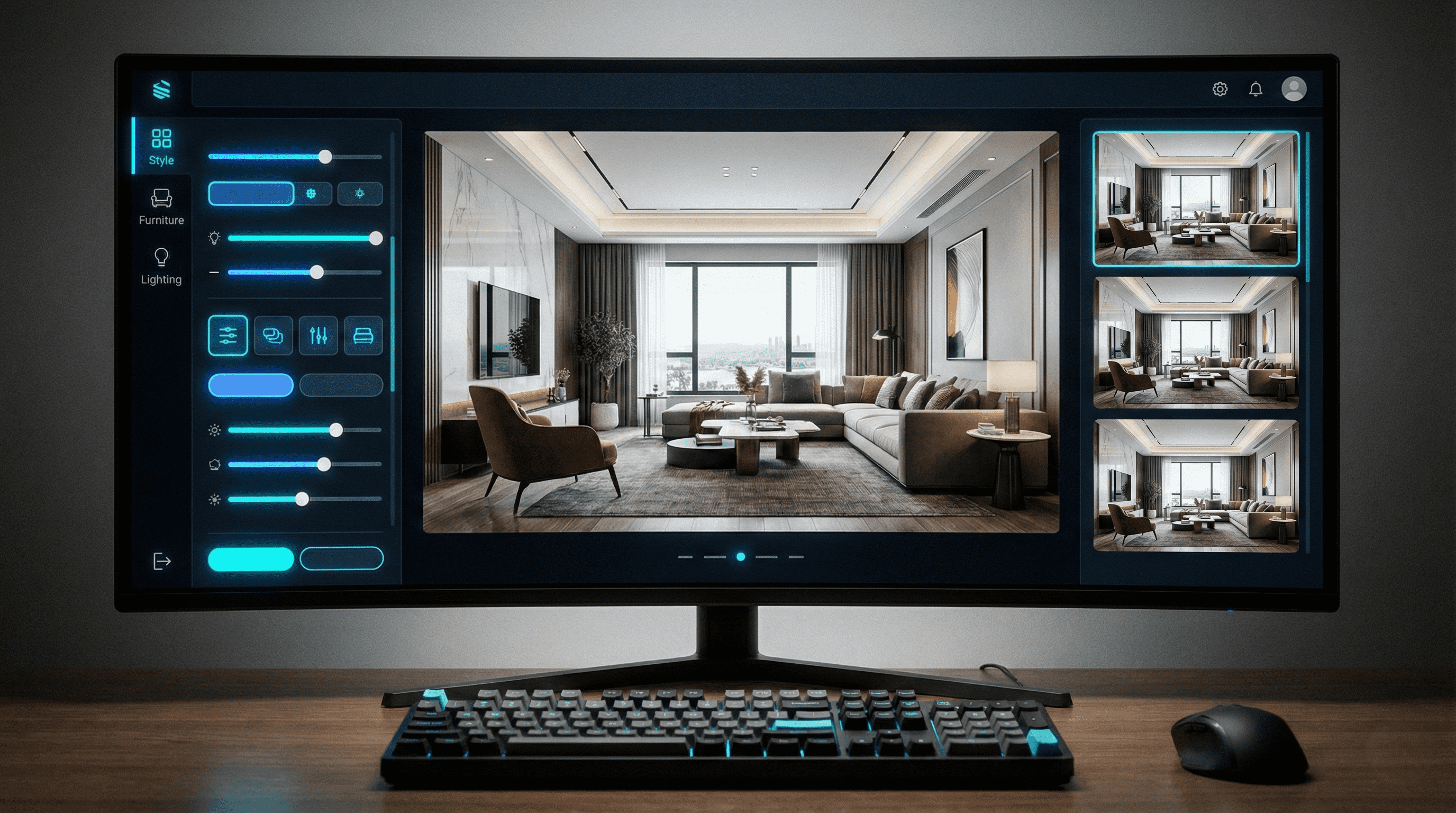
Render
Stage empty rooms quickly with photorealistic furniture and lighting.
Refine
Swap furniture and decor while preserving the original layout.
Upscale
Produce high-resolution output for listing sites, brochures, and print.
Video
Turn still images into short promo clips for social and ads.
Before & After
Compare image quality and staging impact with real examples.


How it works
From photo to listing-ready output in 3 steps
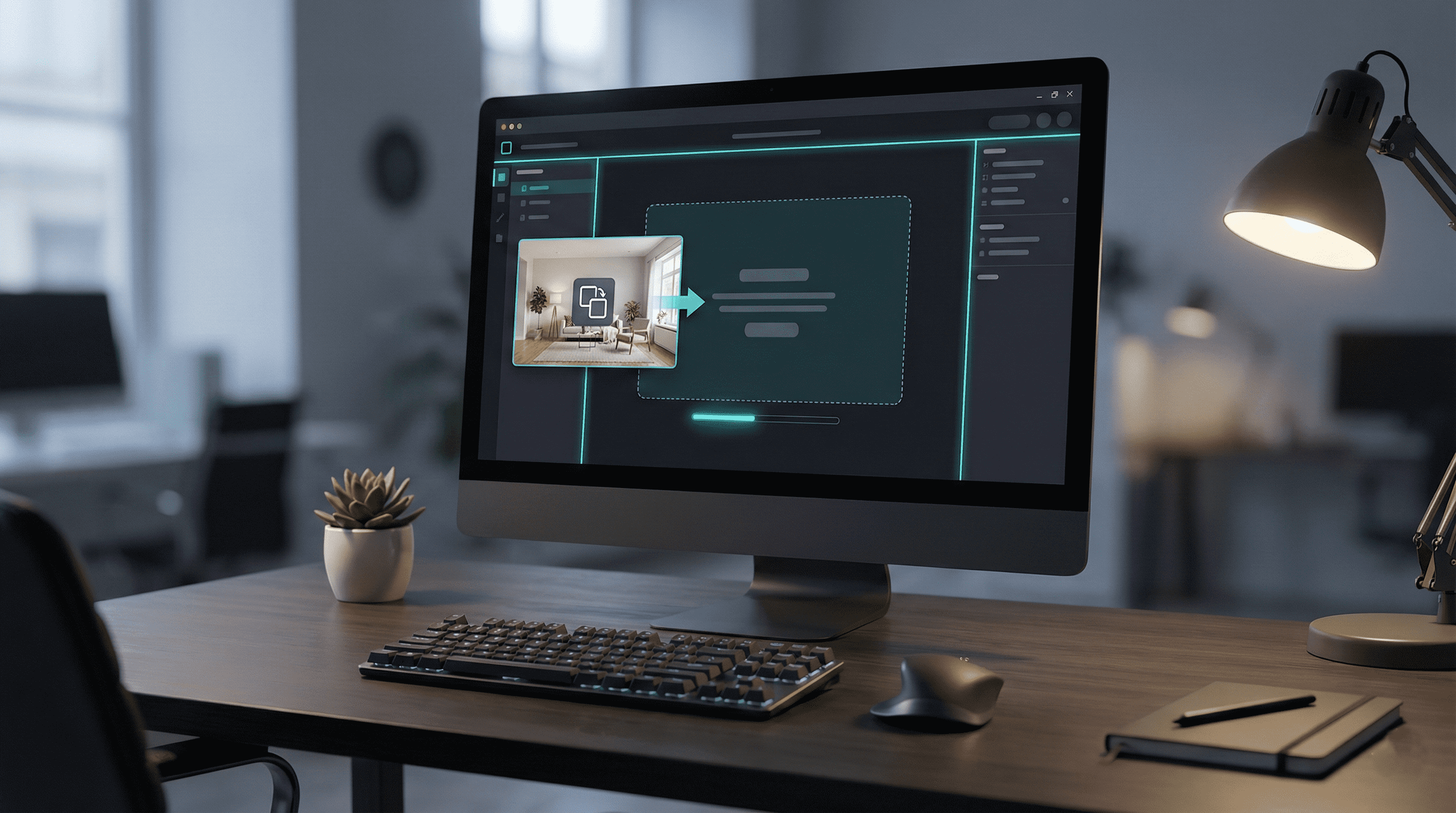
Upload a photo or sketch
Start from a phone or DSLR photo and get a clean base render.
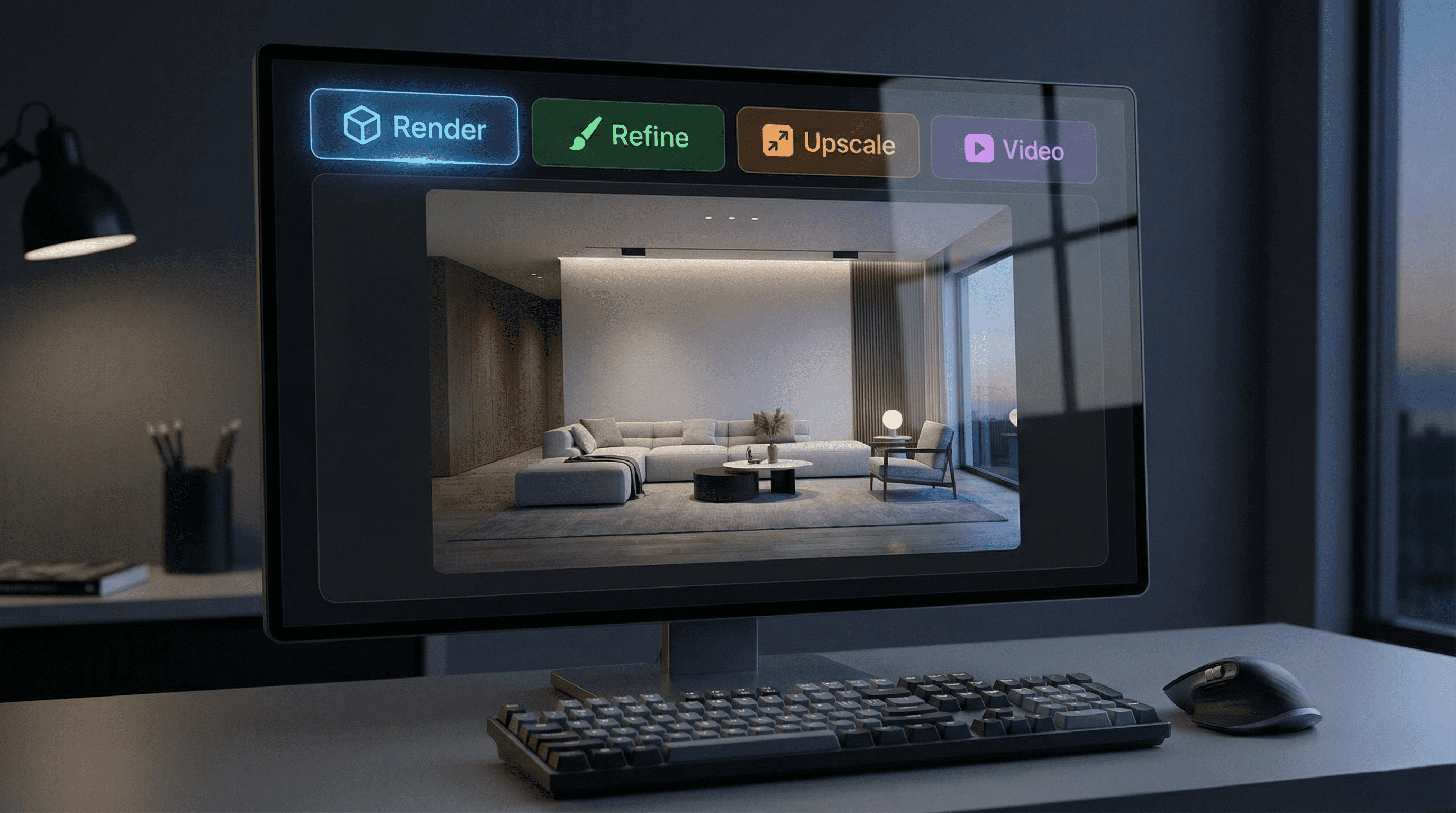
Choose mode & style
Use Render, Refine, Upscale, or Video and generate multiple variants.
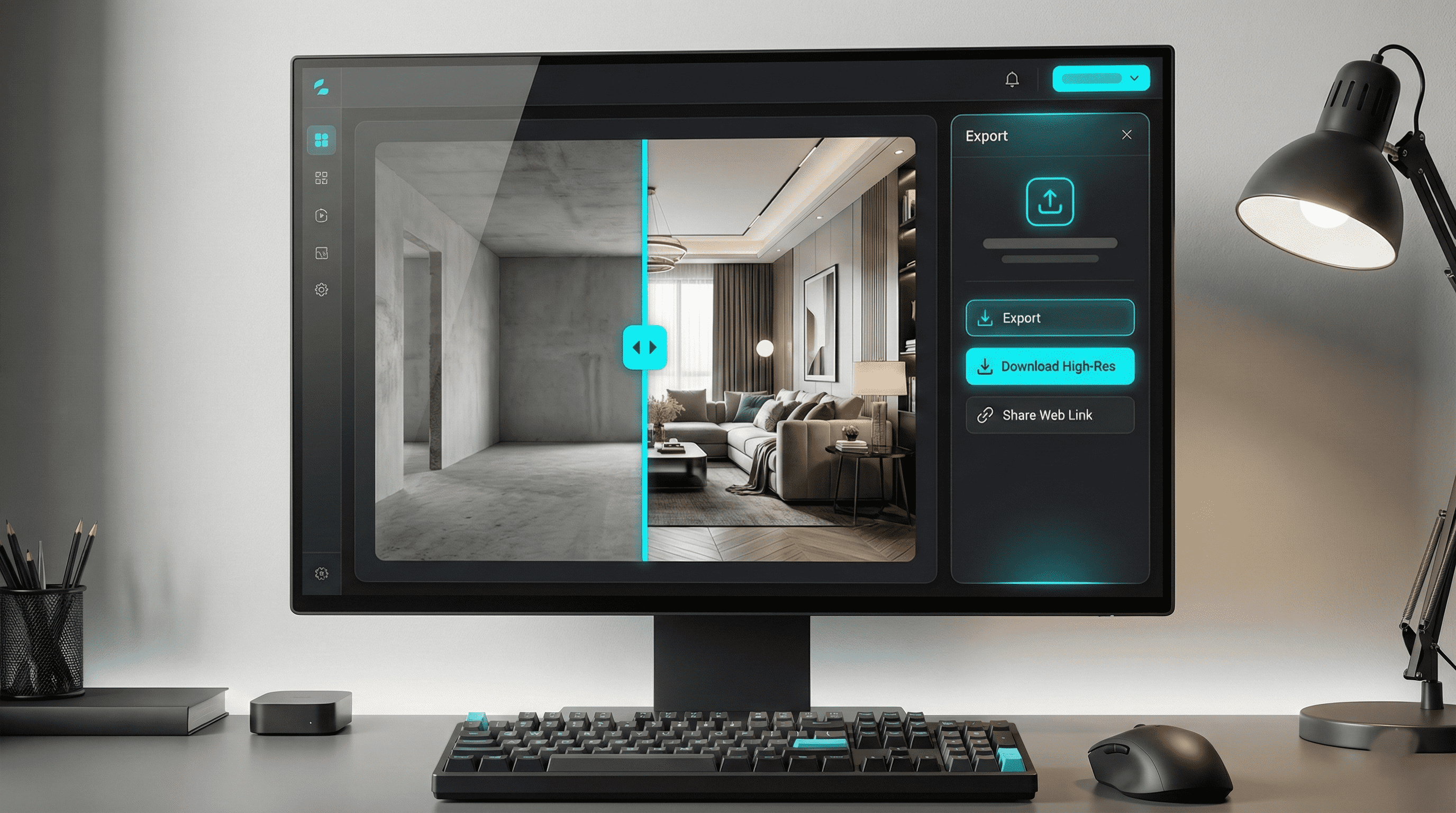
Generate & export
Deliver high-quality assets in minutes for listing, ads, and print.
Frequently Asked Questions
Everything you need to know before you start.